
Remote support
Using Optimmerse for post-purchase operations

Optimmerse for remote support
The use of Optimmerse goes beyond the sales and purchasing phase of the customer journey. It's an excellent tool for providing in-depth technical support to customer and technical experts.
Schedule a demo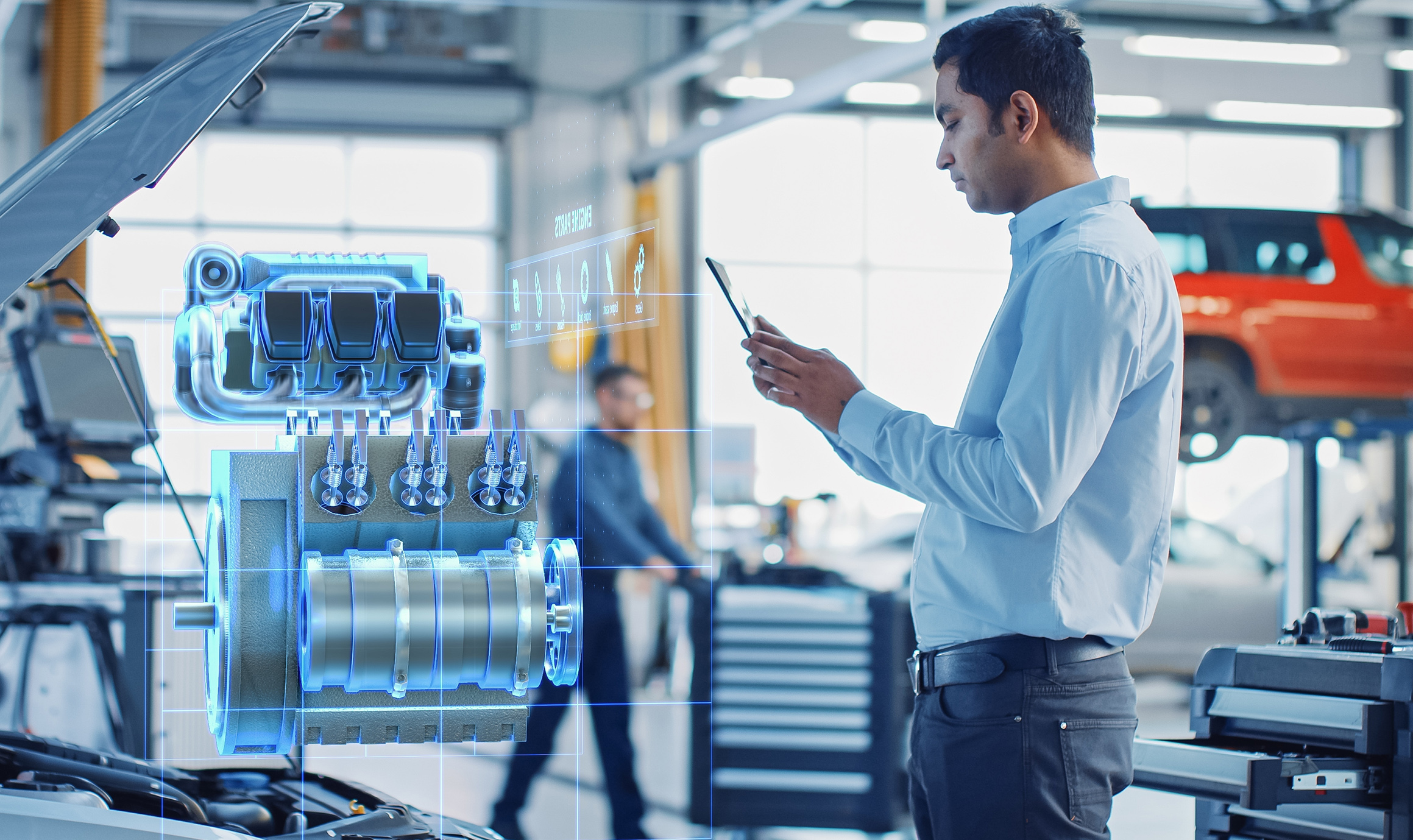
Provide detailed instruction on technical issues
Reinvent problem solving with Optimmerse
The benefits of Optimmerse for remote support
Real-time interactivity
XR facilitates real-time interaction between the support provider and recipient. Both parties can collaborate within the shared XR environment, fostering dynamic problem-solving and delivering step-by-step guidance.
Hands-free Assistance
XR headsets enable recipients to receive support in a hands-free manner, allowing them to focus on tasks or operate machinery while following instructions
Augmented Annotations
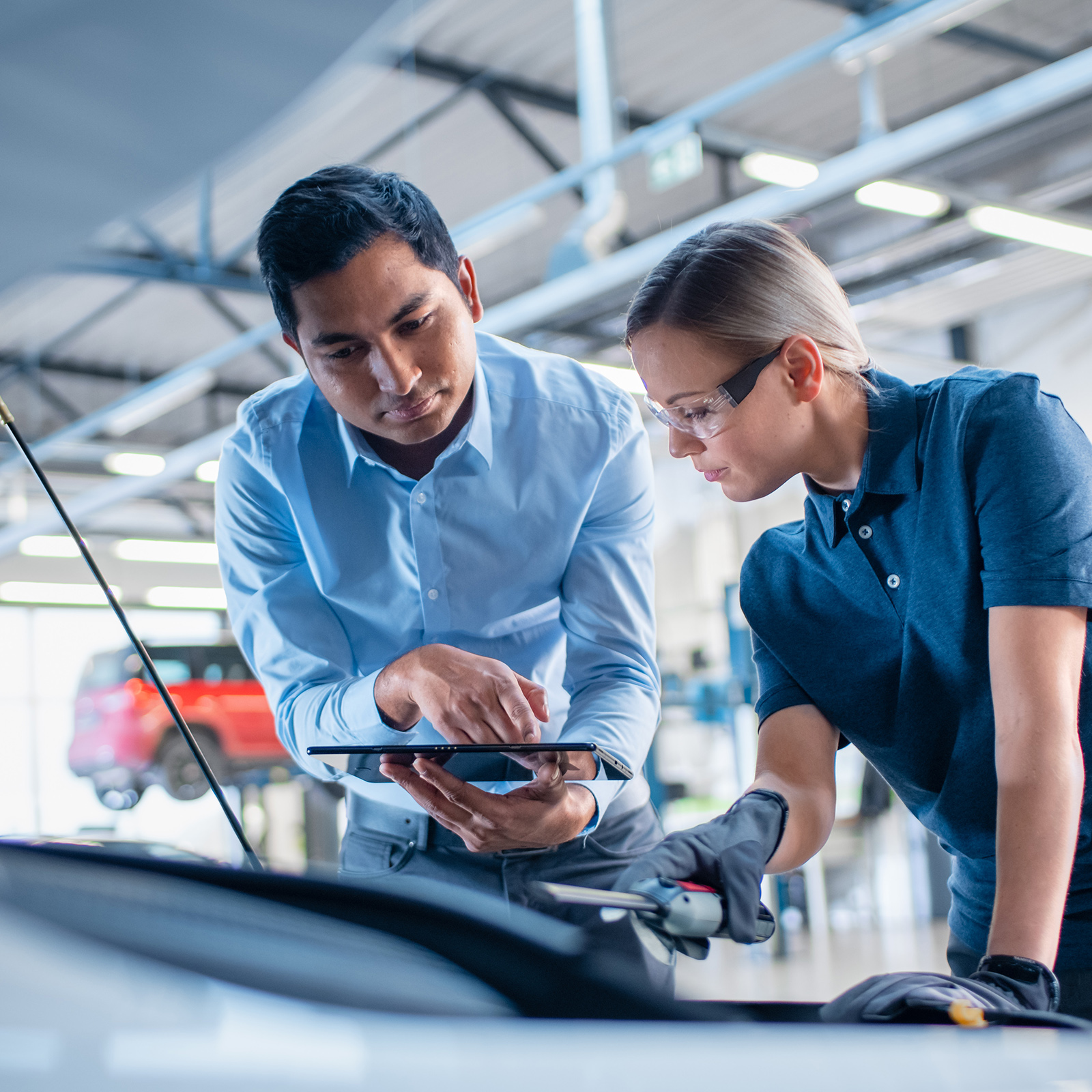
Support providers can utilize augmented reality (AR) to overlay annotations, instructions, and visual cues directly onto the recipient's physical environment. This precise guidance expedites issue resolution and minimizes the likelihood of errors.
Reduced Downtime
By harnessing XR-based remote support, technical problems can be swiftly addressed, minimizing downtime and enhancing overall operational efficiency

Happier support agents
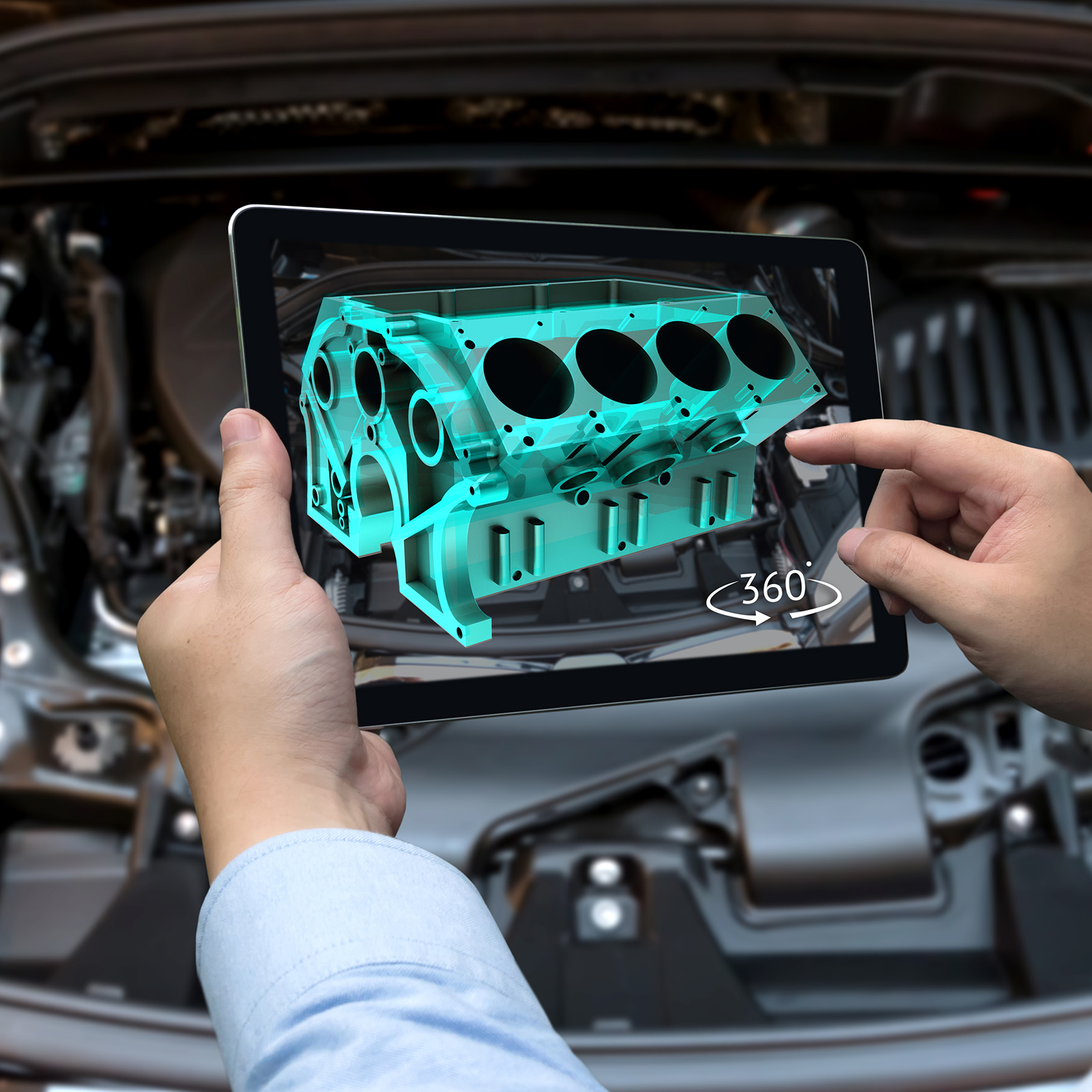
Make the life of your support and service workforce easier with Optimmerse
Happier customers
Improve the satisfaction of customers and service engineers through self-service solutions in XR
How to setup support in XR
1. Initiate remote session
The support provider initiates the XR session, inviting the recipient to join. Once connected, both parties can collaboratively visualize and interact within the shared 3D environment
2. Visualize the Issue
Visualize the Issue: The recipient presents the technical problem or issue using their XR device's camera. The support provider gains a comprehensive understanding of the situation through the visualization of the problem in 3D.
3. Augmented guidance
Using AR overlays, the support provider annotates and guides the recipient through the necessary steps for issue resolution. These visual cues appear directly in the recipient's field of view, offering precise and real-time instructions.
4. Real-time interaction
Both parties communicate through voice or text chat, facilitating seamless discussions, inquiries, and immediate feedback.
AR annotations
Get realtime instructions through a layer of augmented Reality
By embracing XR for remote support, organizations optimize troubleshooting processes, reduce downtime, and deliver efficient and effective assistance from any location, advancing professional practices with an innovative edge.

















Let's get in touch
Curious to learn more about Optimmerse's potential impact on your remote support processes? Schedule a call, and we'll be in touch to explore the myriad possibilities with you.
Schedule a call